

►
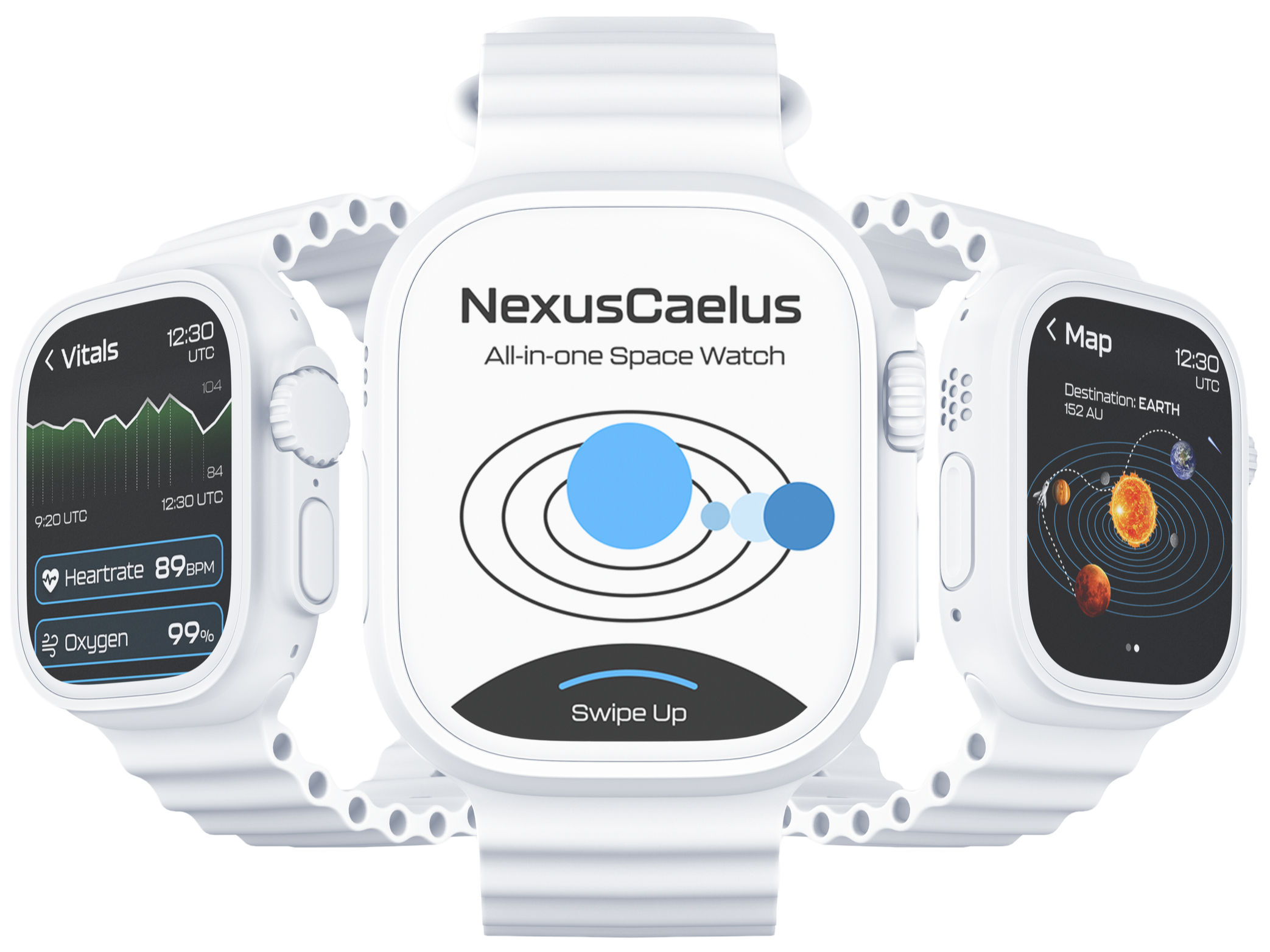
Stay grounded & reach for the stars
►
►
►
Astronauts face significant cognitive overload when switching between multiple monitoring systems during missions. They need quick, centralized access to vital data such as oxygen levels, heart rate, and communication updates, without sacrificing focus or mobility.
Research and Discovery
100% of astronauts face muscle loss, bone density reduction, and radiation risks.

100% of astronauts must be able to monitor oxygen levels, temperature, structural integrity, and other vital parameters.
Astronauts want a device that is intuitive for all their essential needs while in space.
ASTRONAUT FATIGUE

ASTRONAUT NECESSITIES
RESULTS
Based on my findings, I sketched a few concepts in Figure 1, focusing on essential features that addressed the astronauts’ needs. I then refined these into mid-fidelity wireframes, as shown in Figure 2, by adding key functions that are necessary for astronauts and clarifying navigation to enhance usability.
Ideation and Wireframing
Figure 1 (Low-Fidelity)
High-Fidelity Wireframes
Figure 2 (Mid-Fidelity)
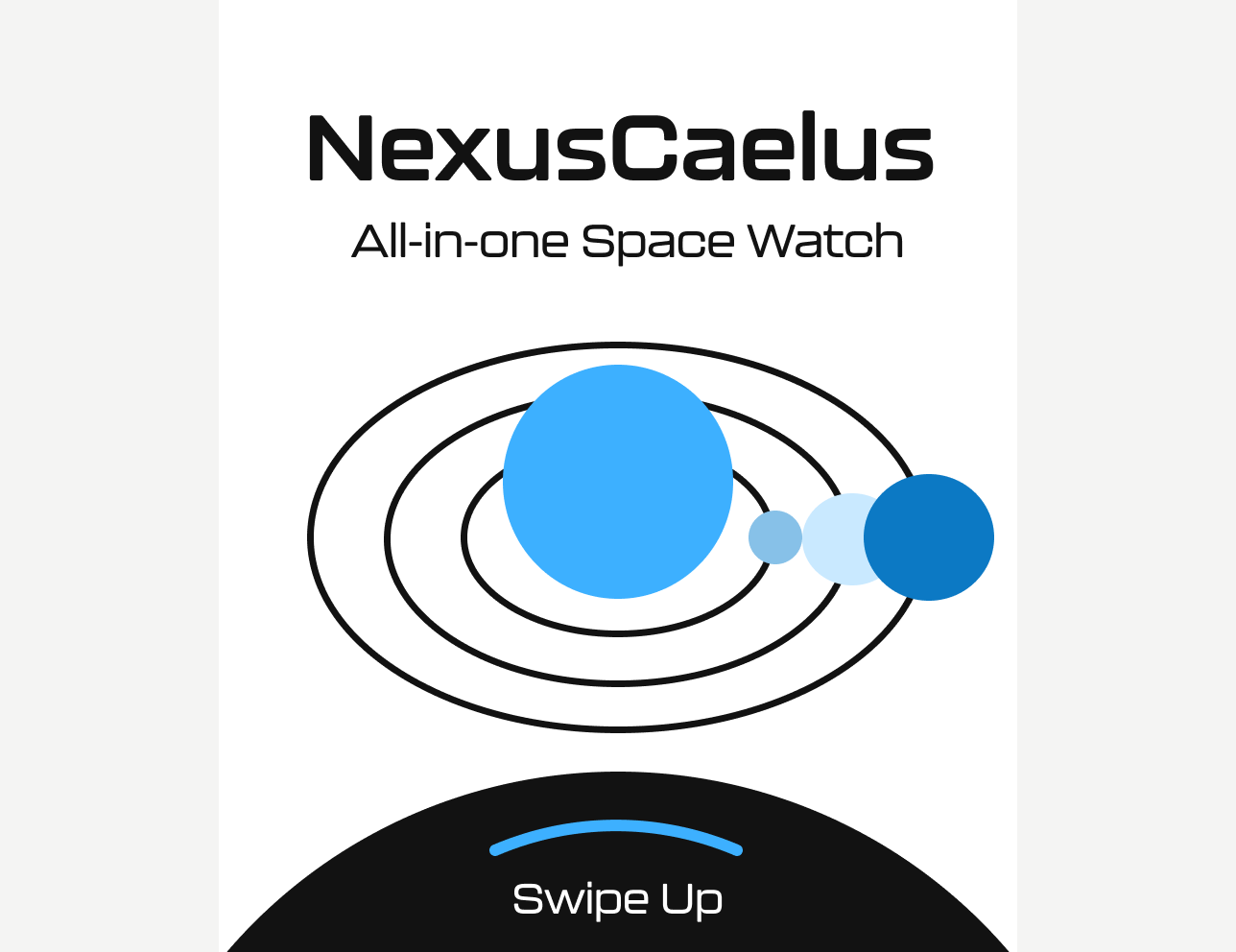
Home
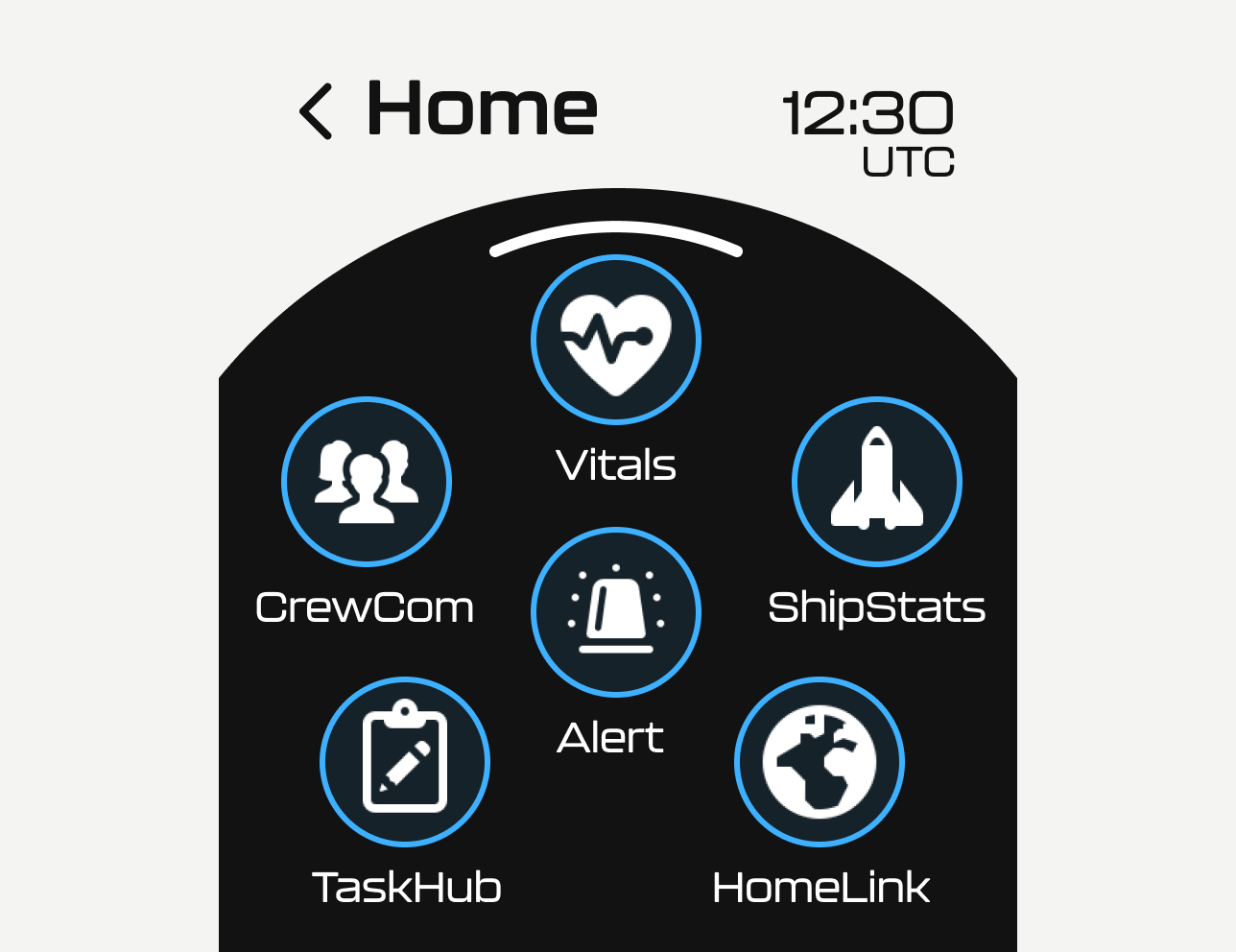
App Selection
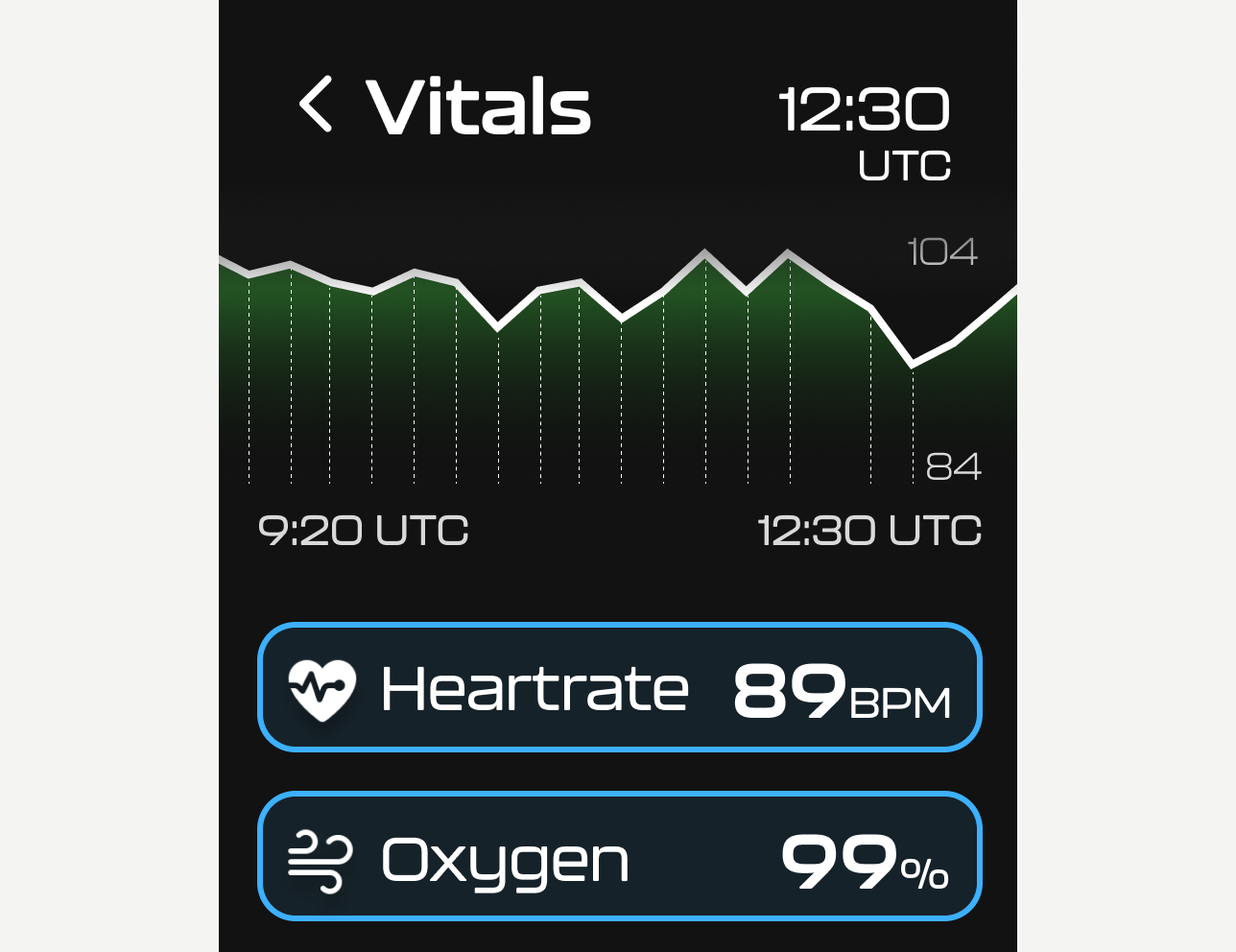
Vitals
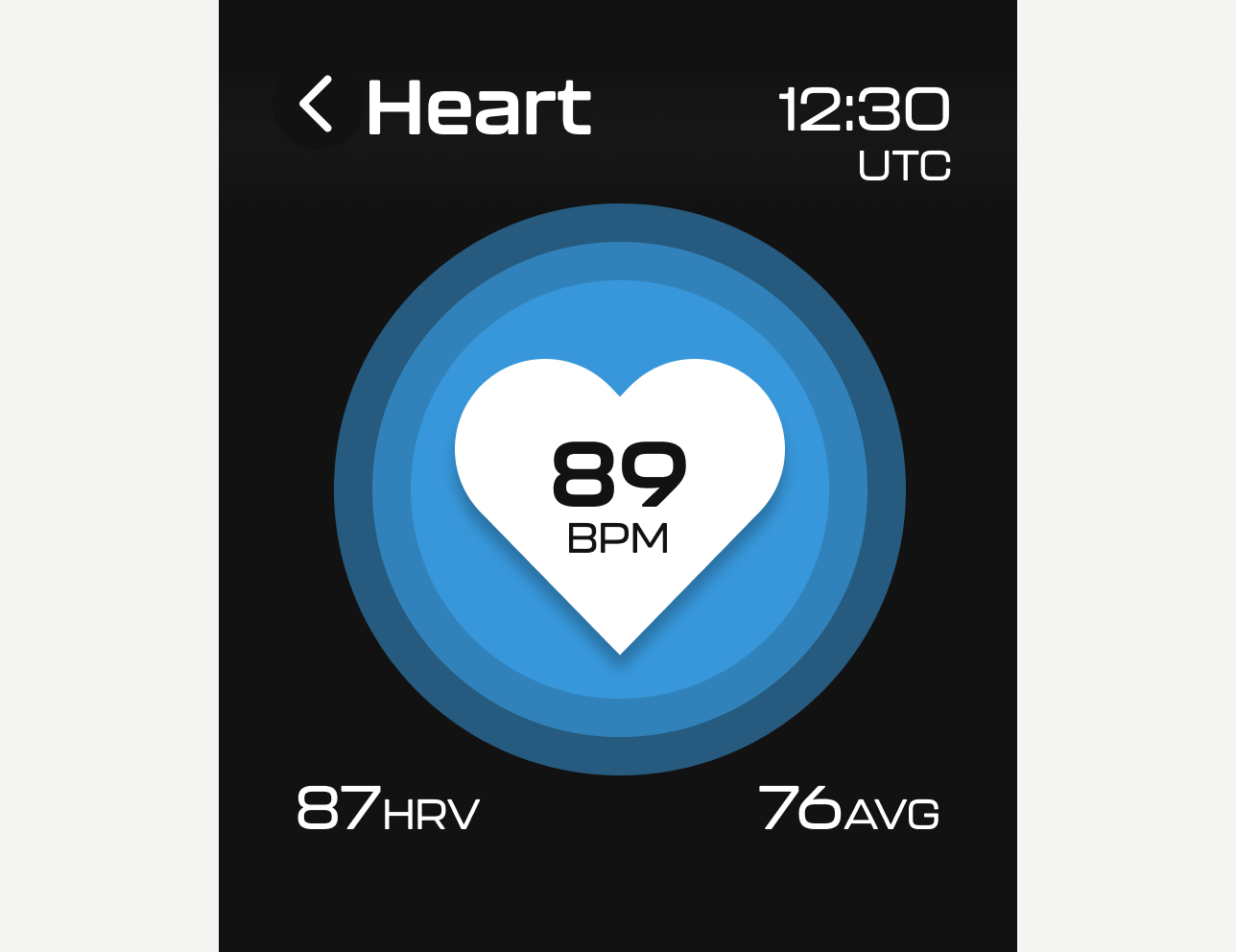
Heartrate
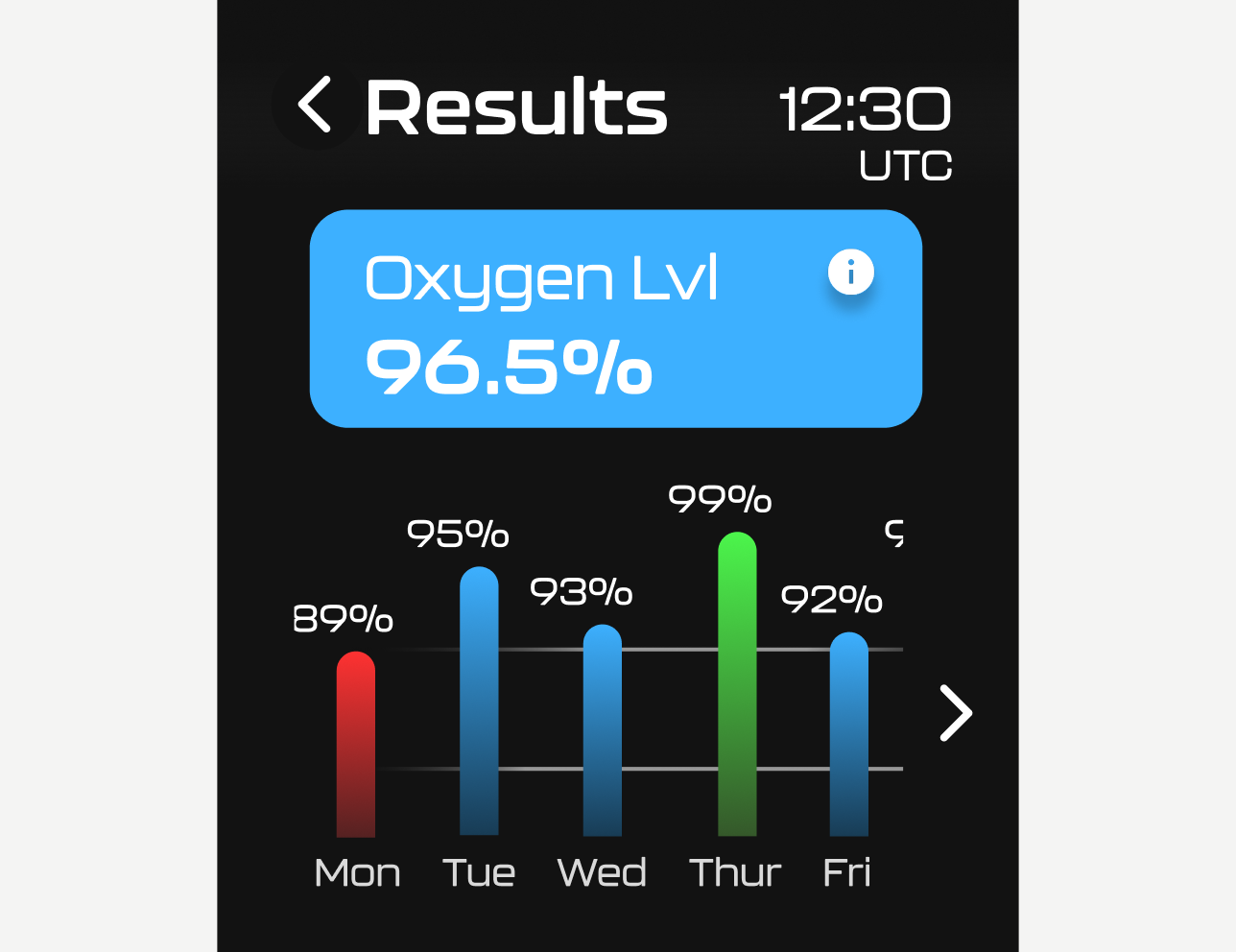
Oxygen
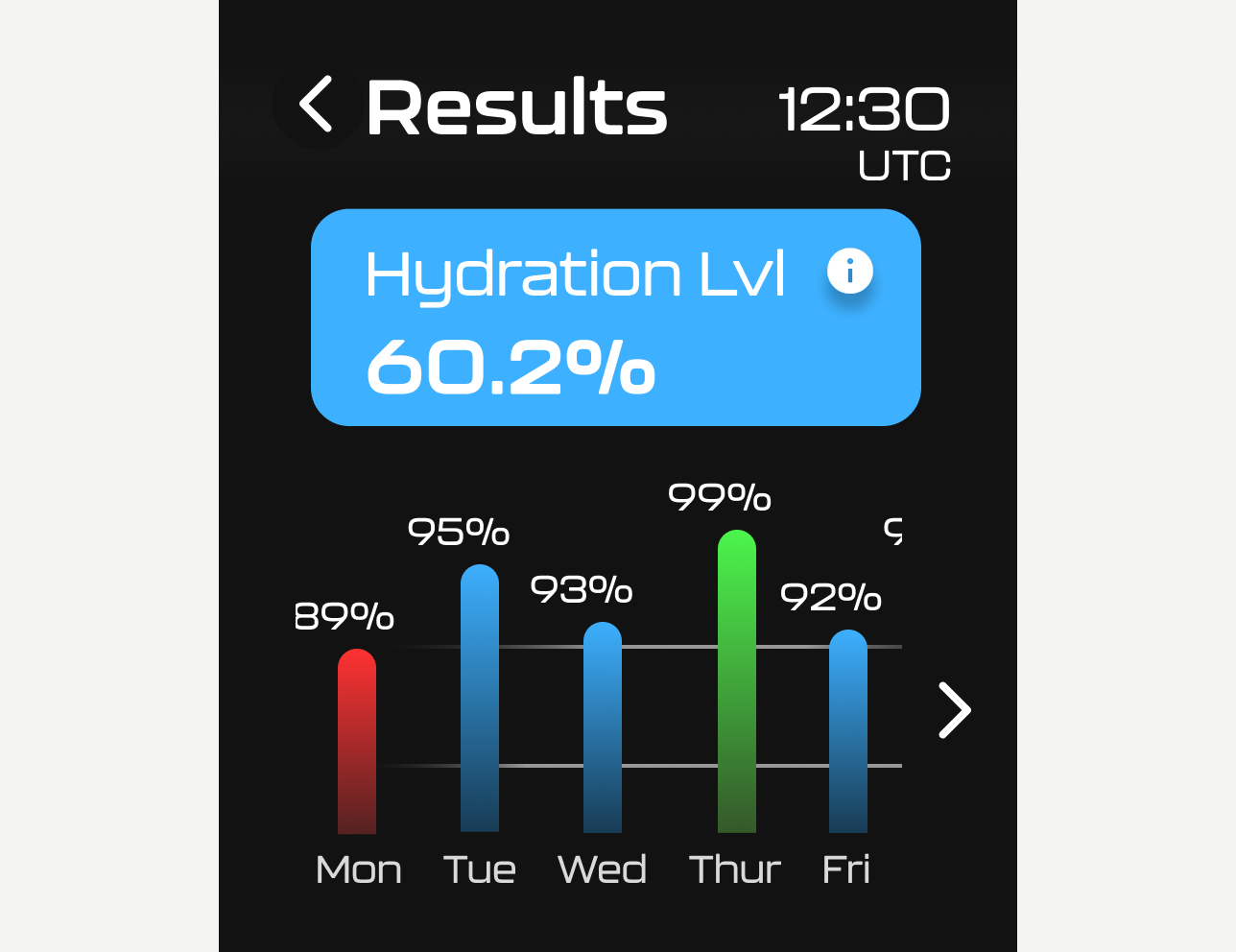
Hydration
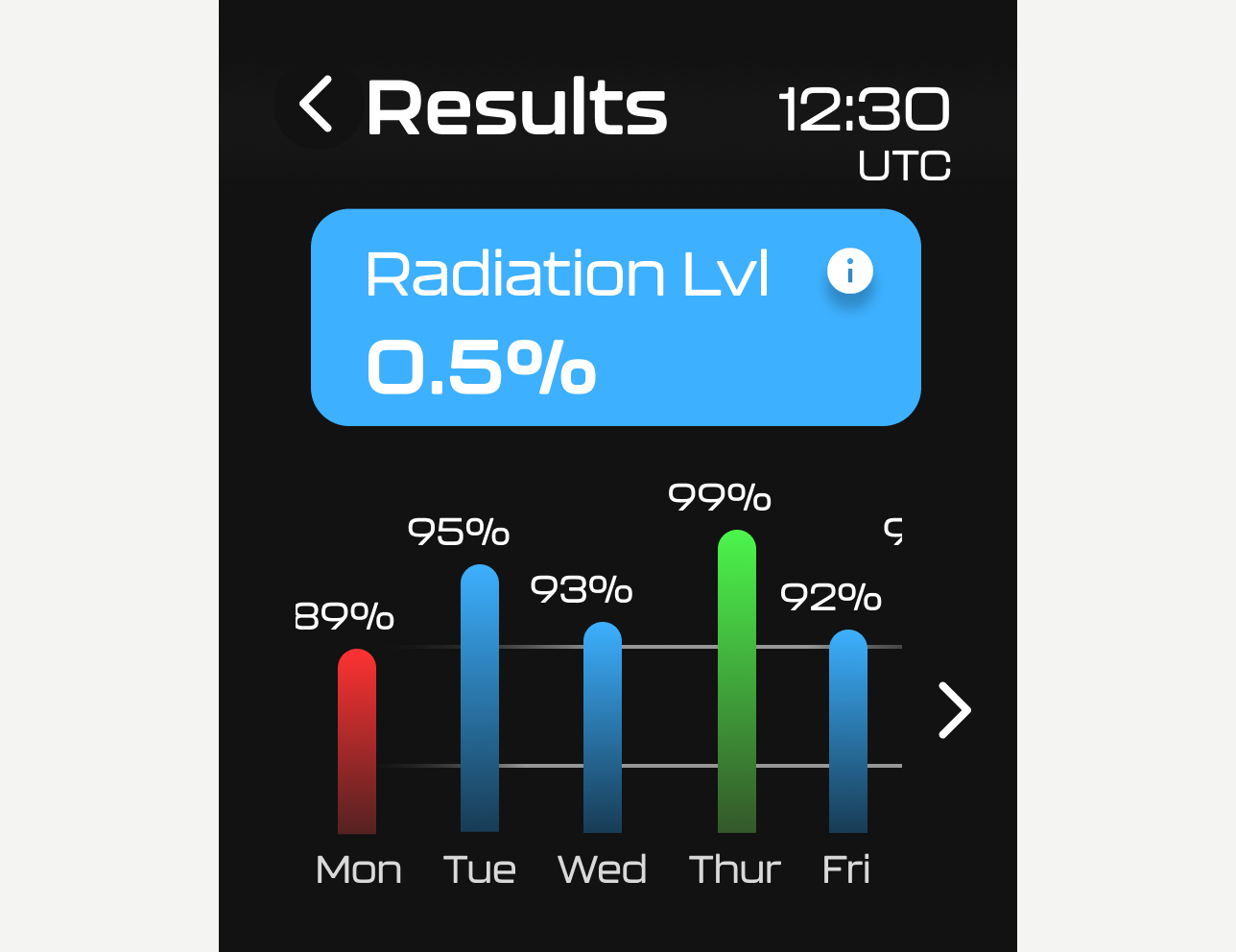
Radiation
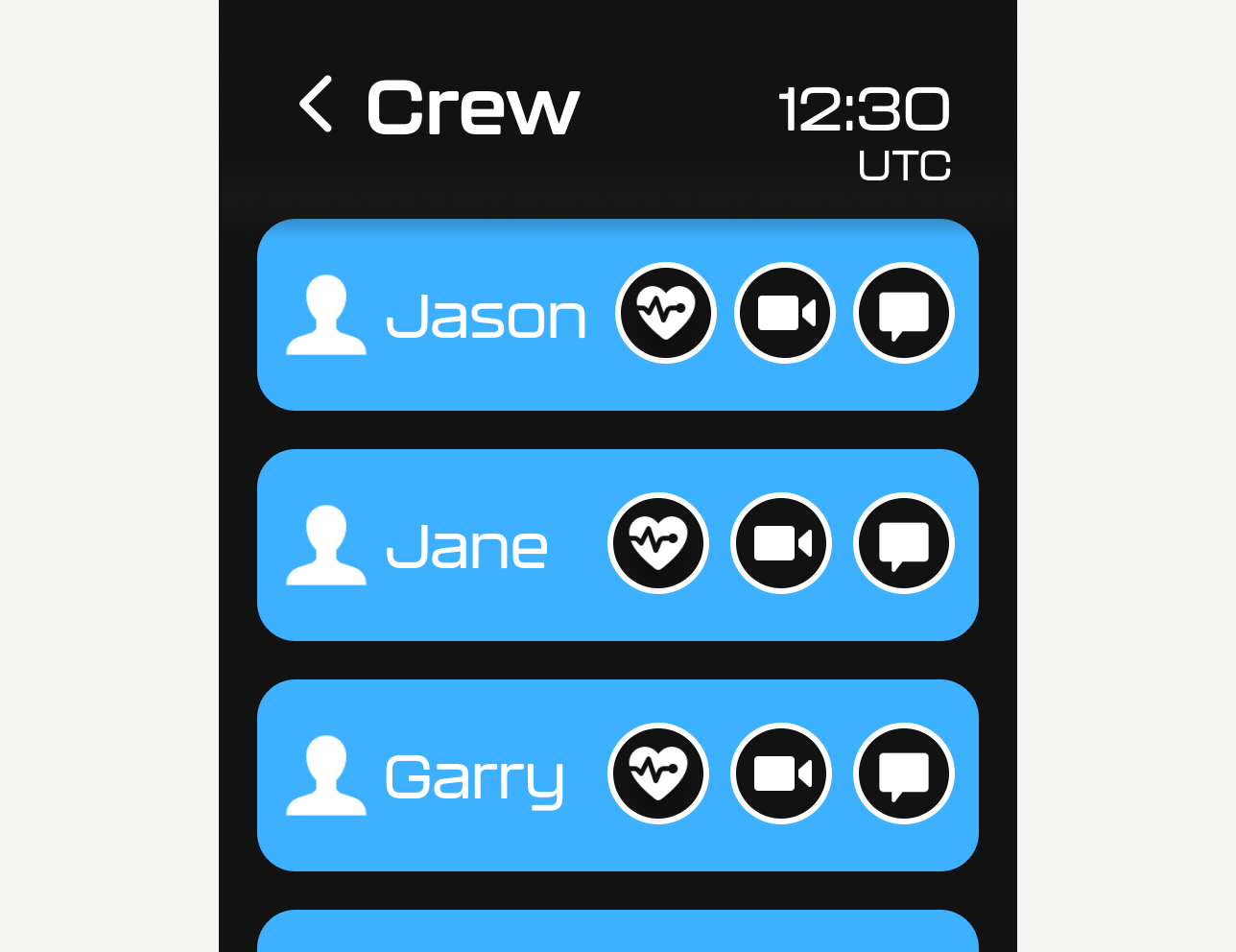
Crew Com
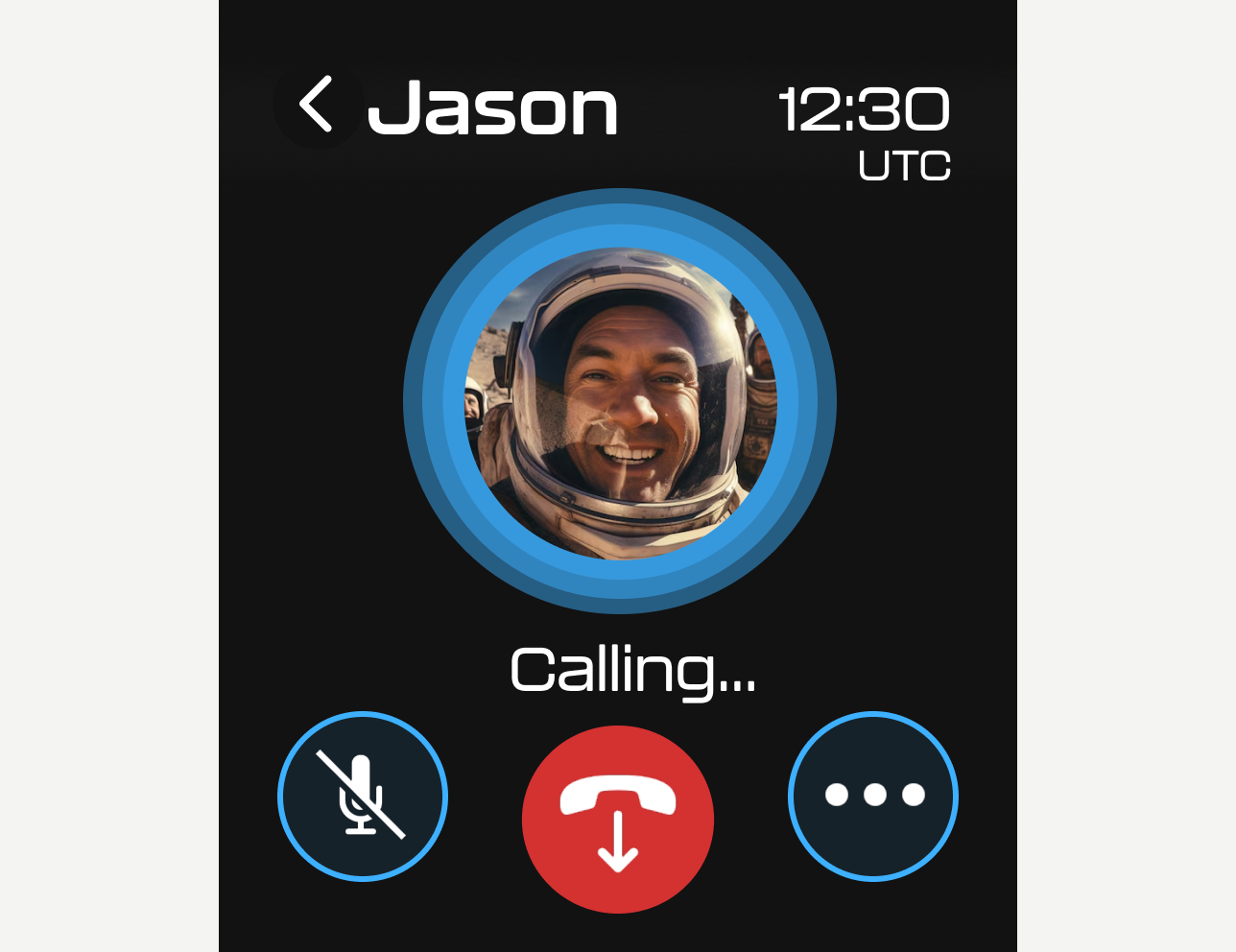
Crew Calling
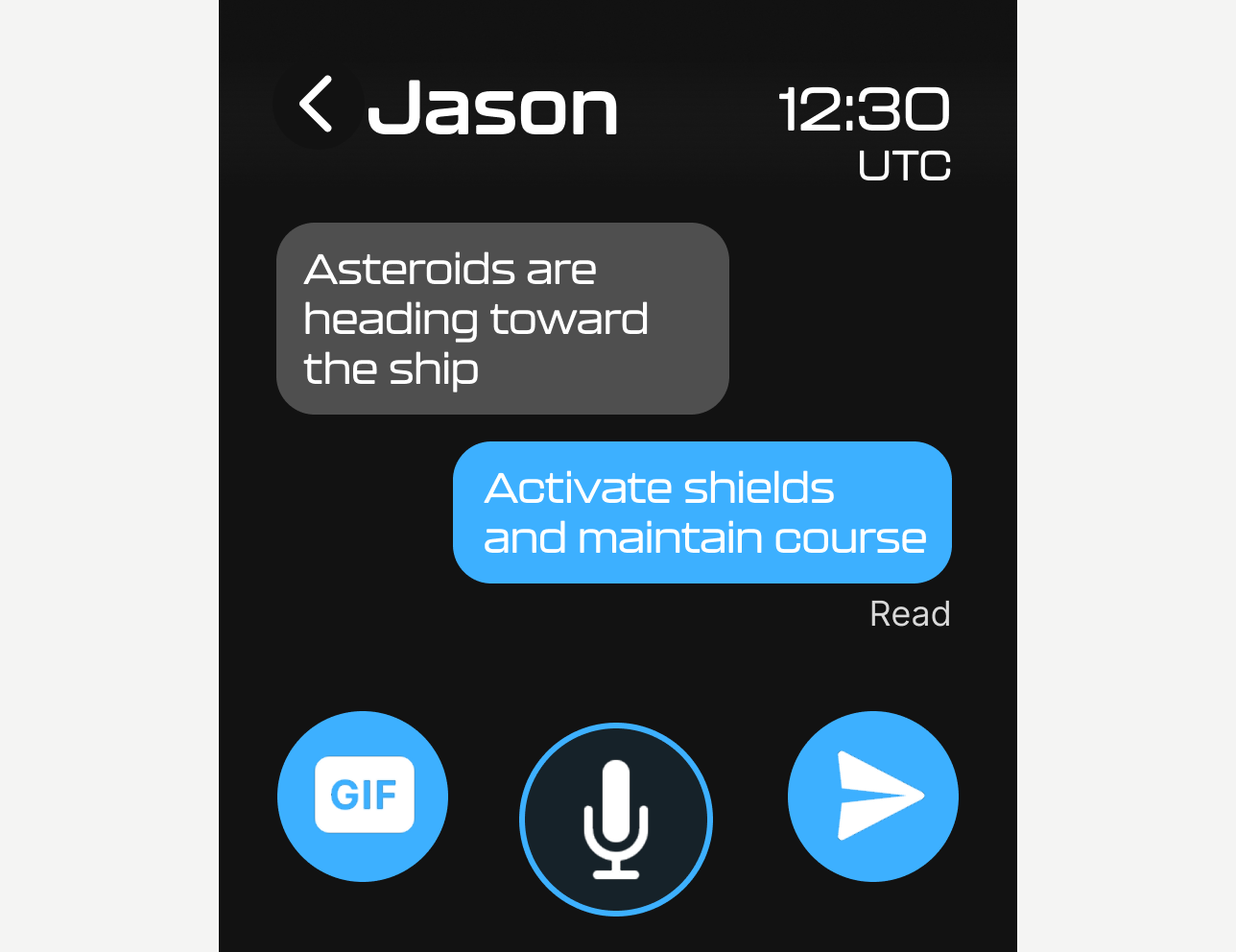
Crew Messaging
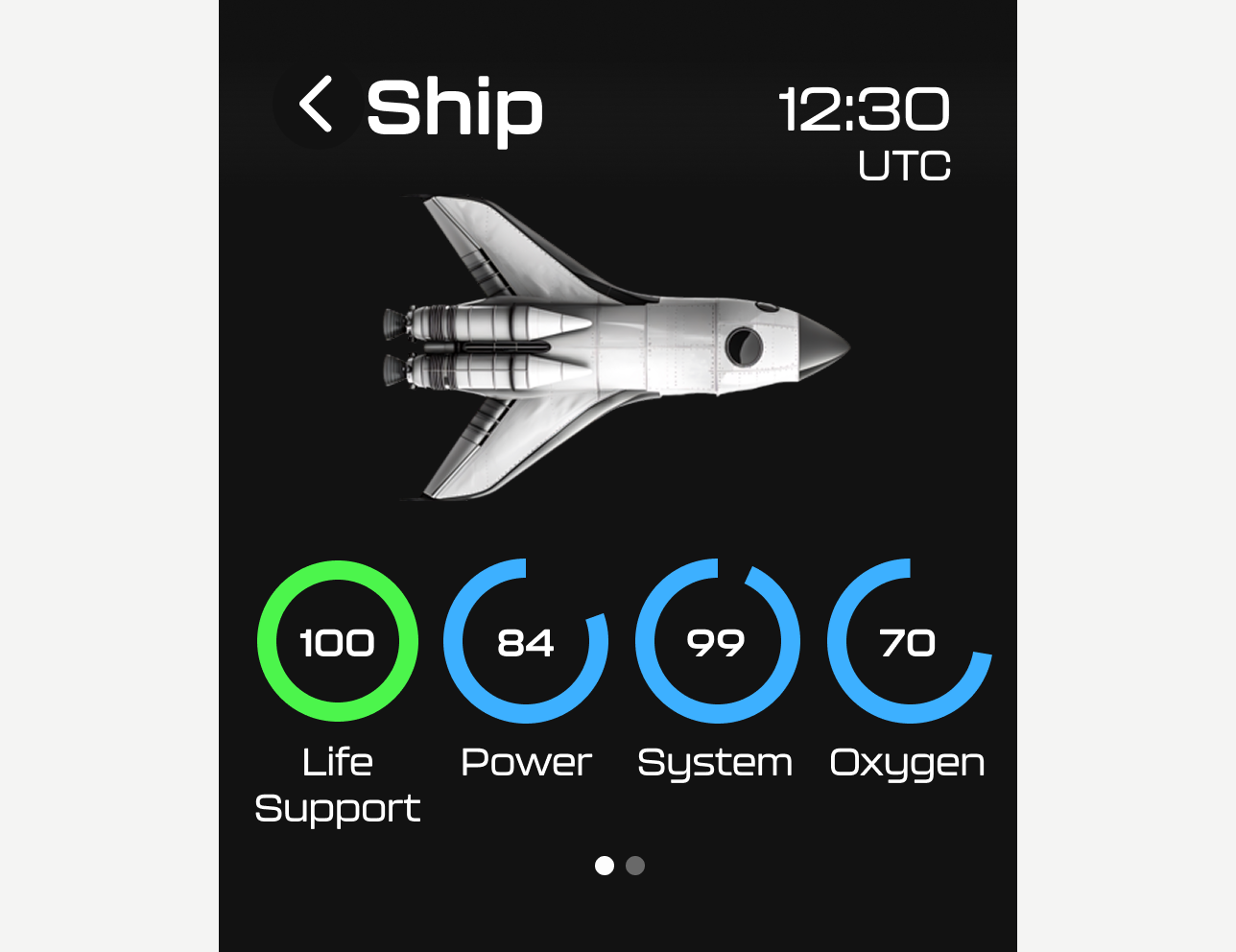
Ship Stats
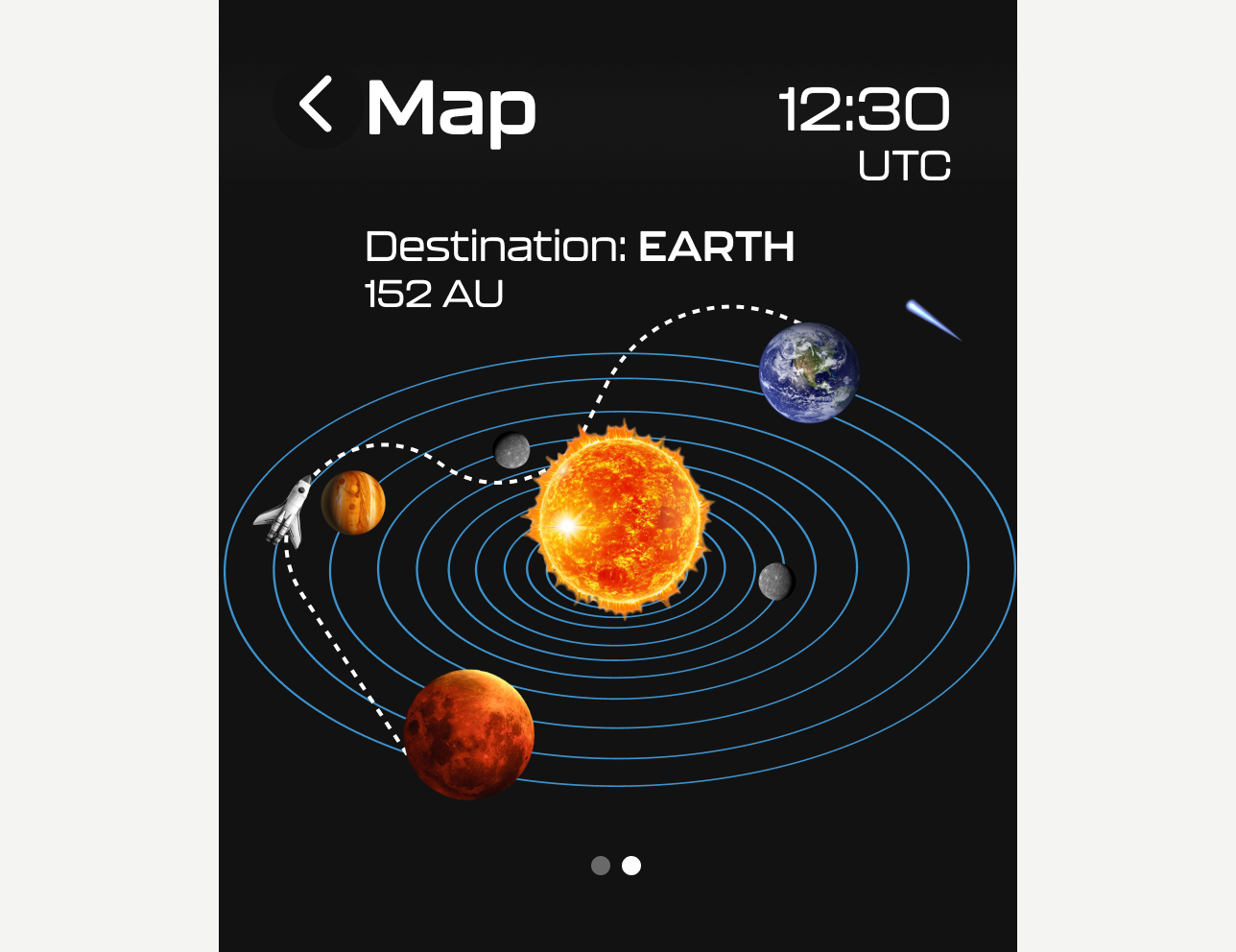
Solar Map
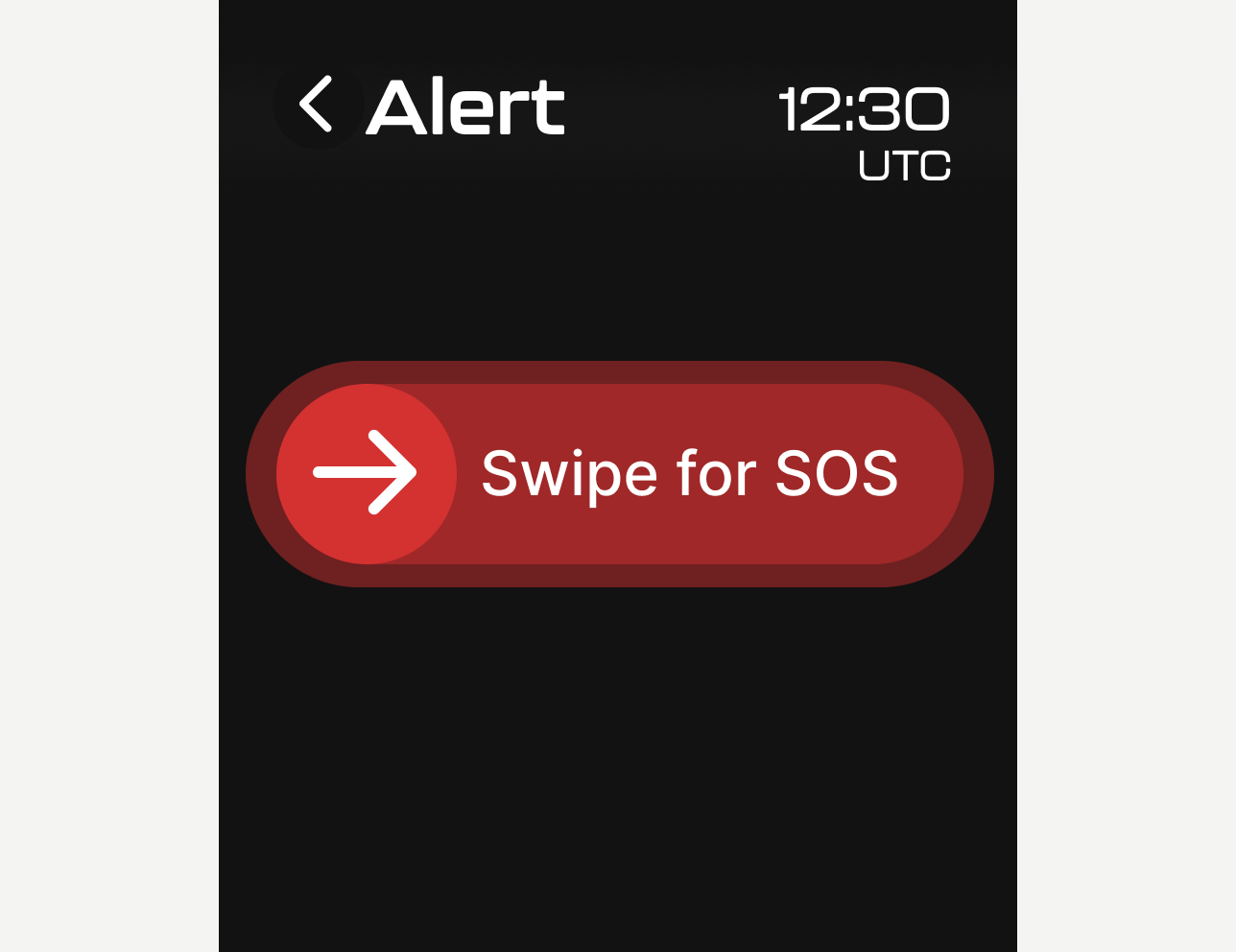
SOS Alert

Task Hub
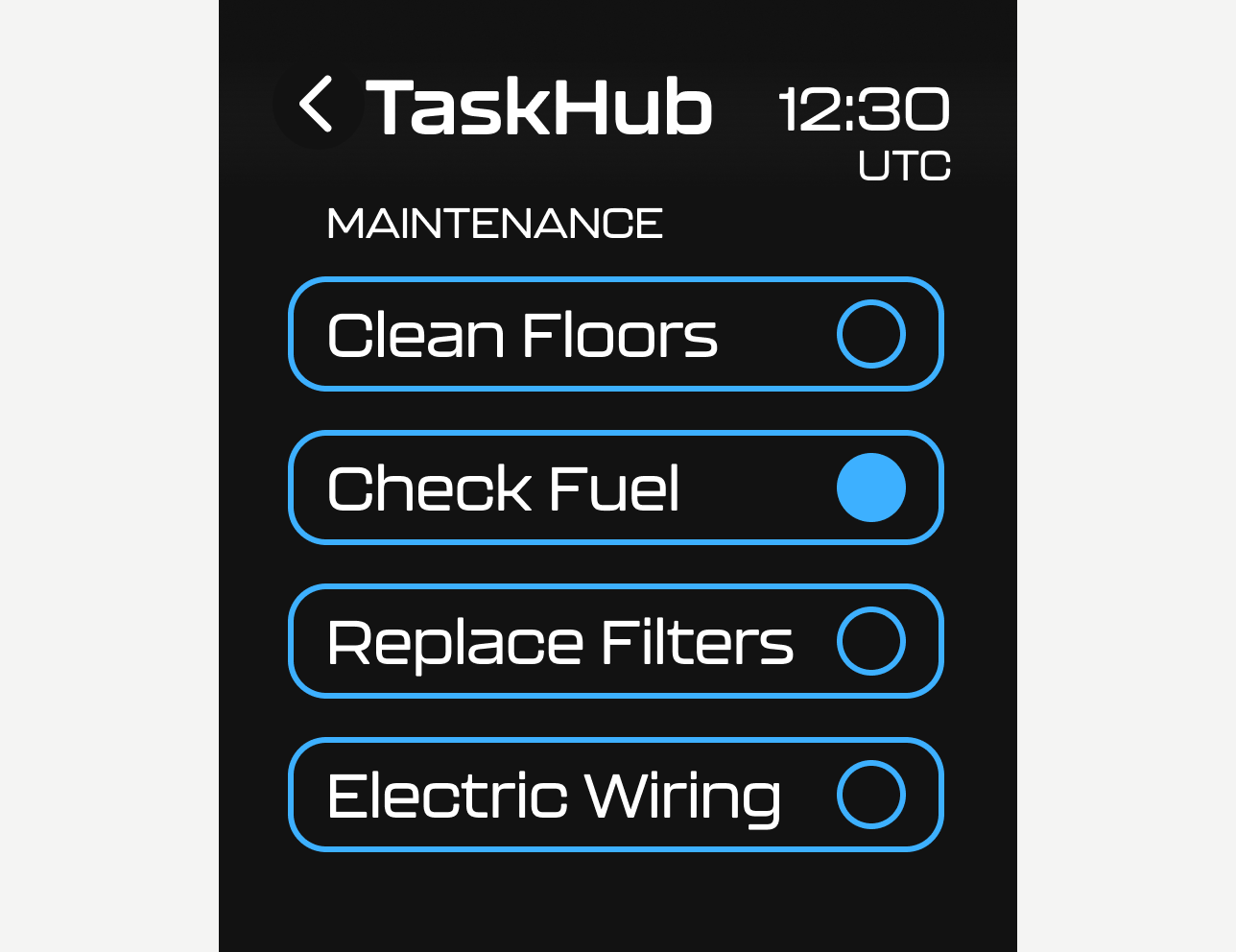
Task Hub Maintenance
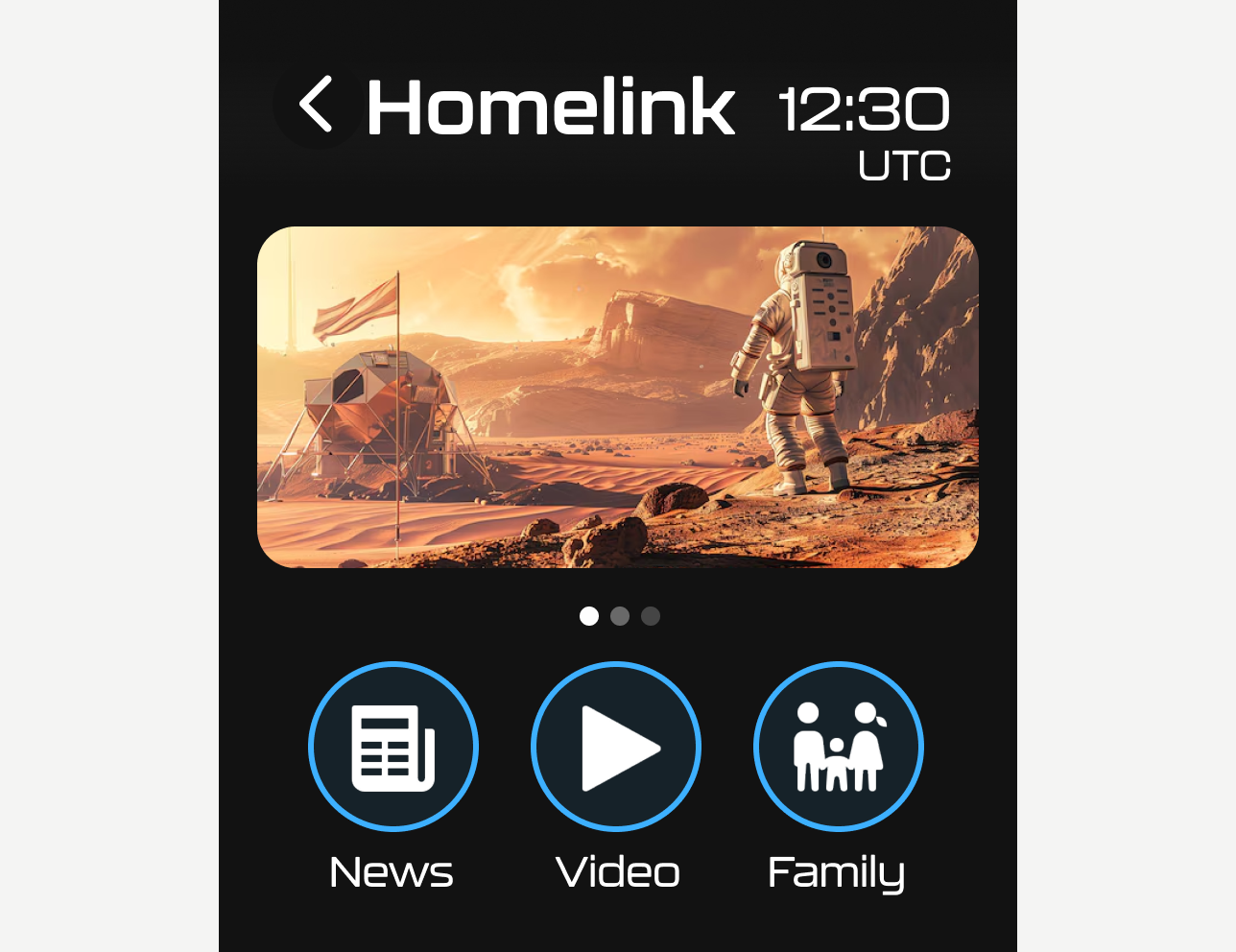
Homelink
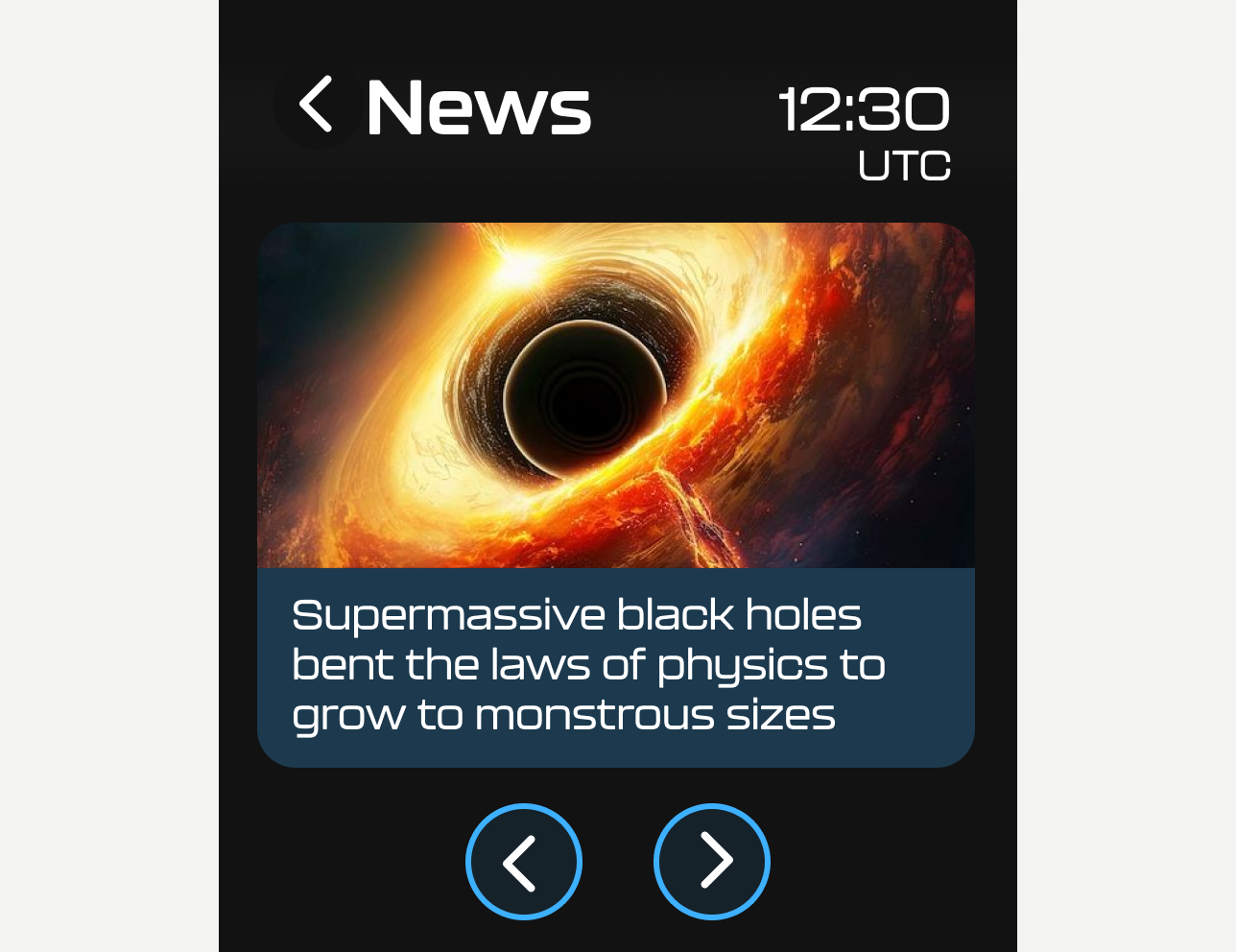
News
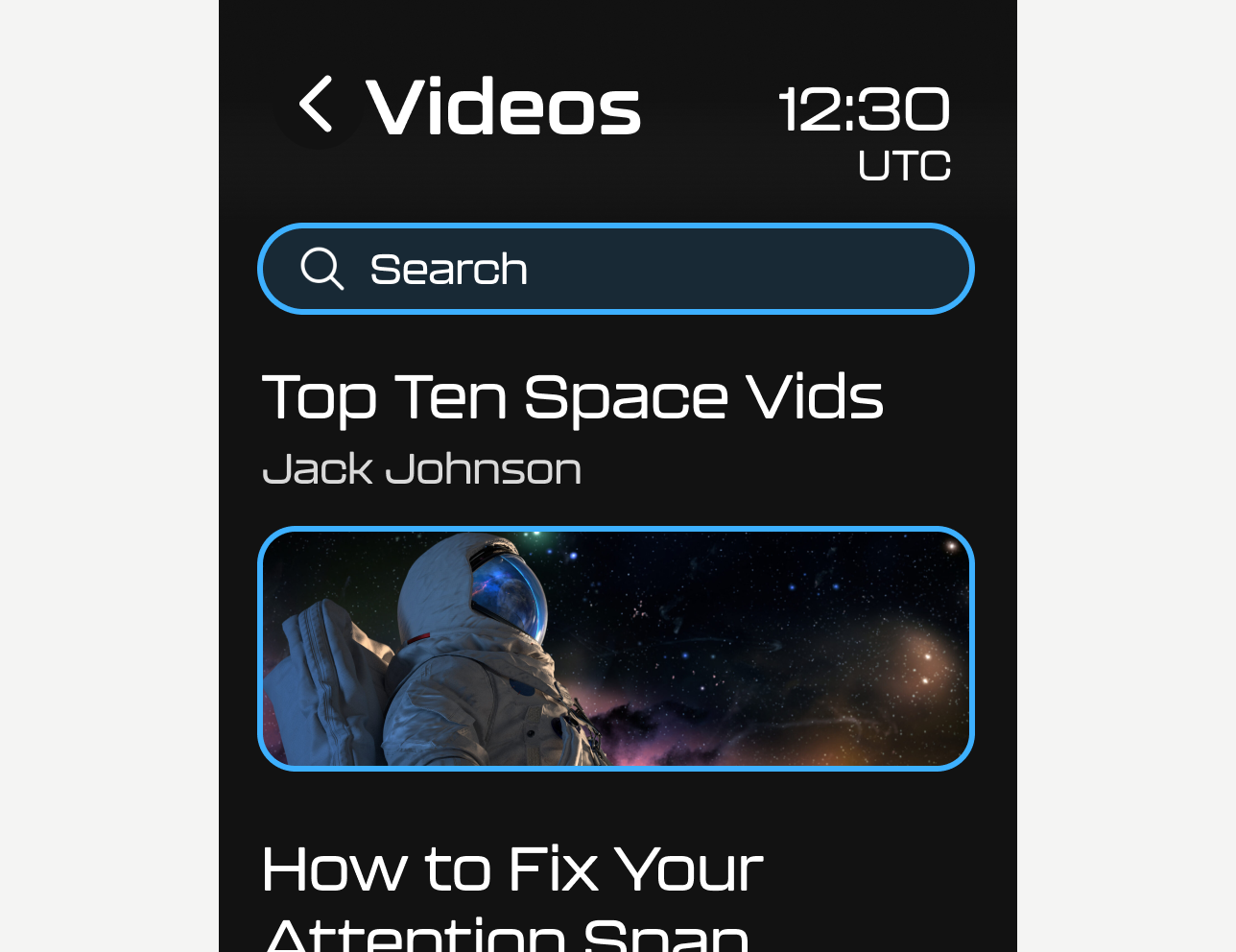
Videos
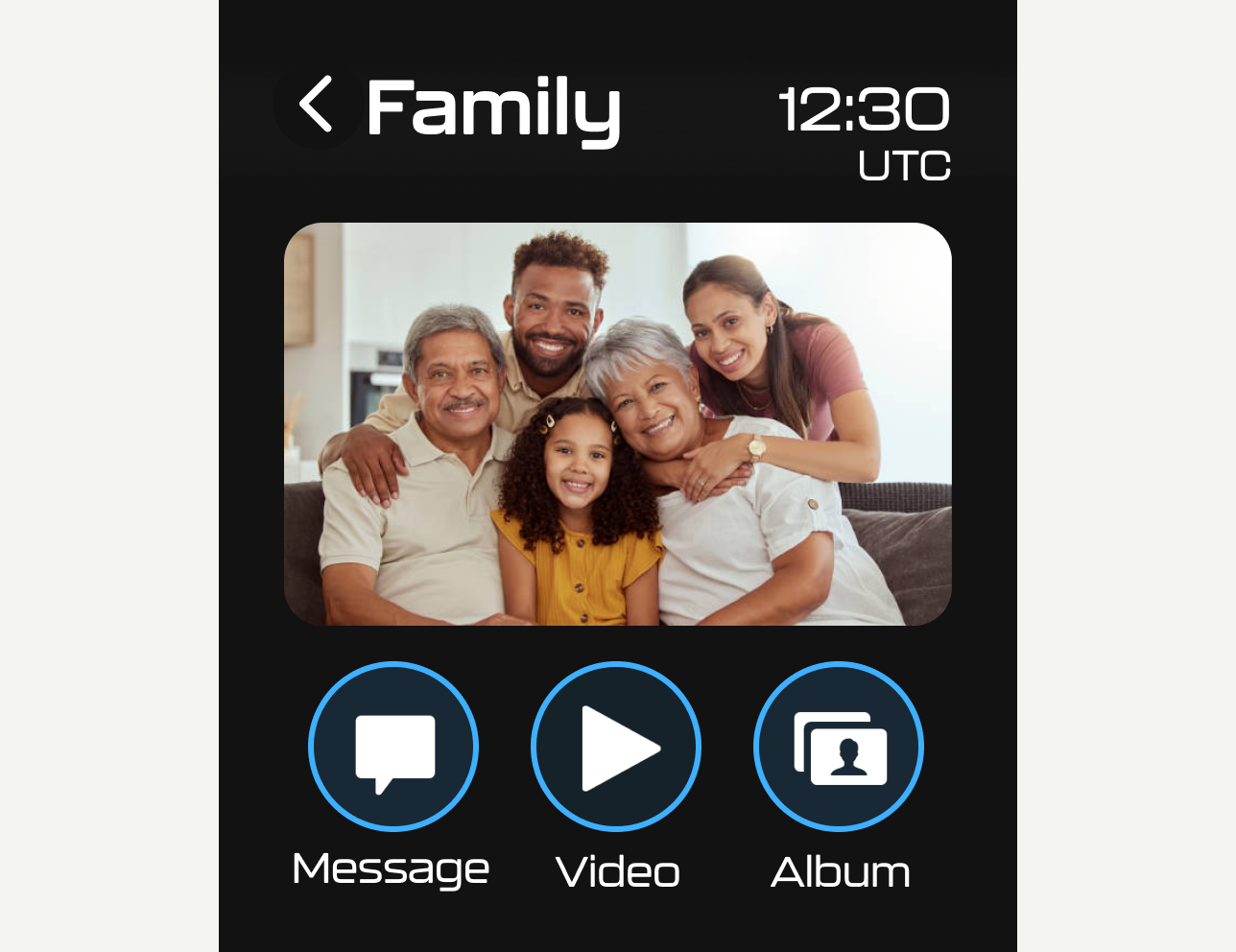
Family
UI Design and Branding
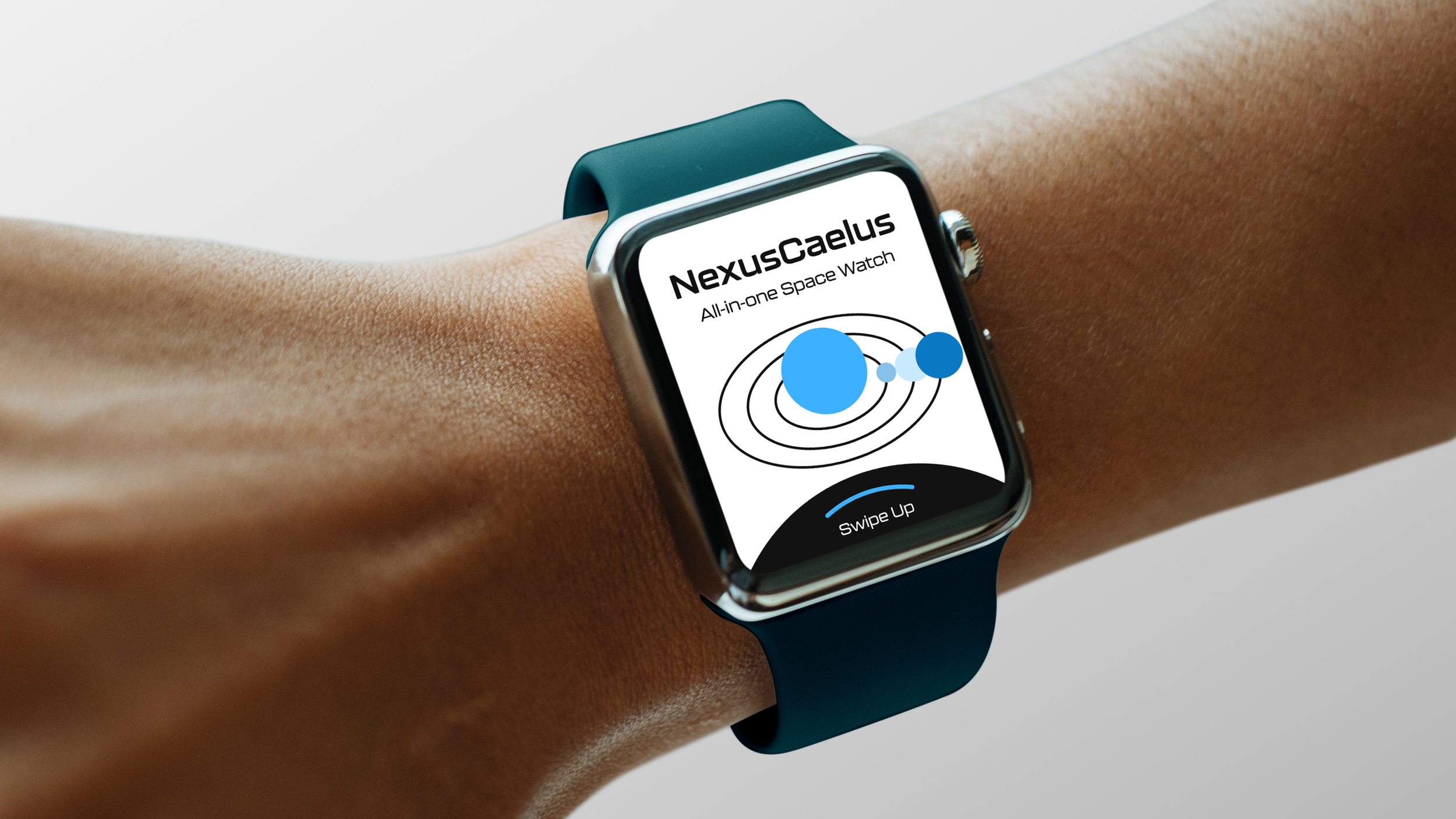
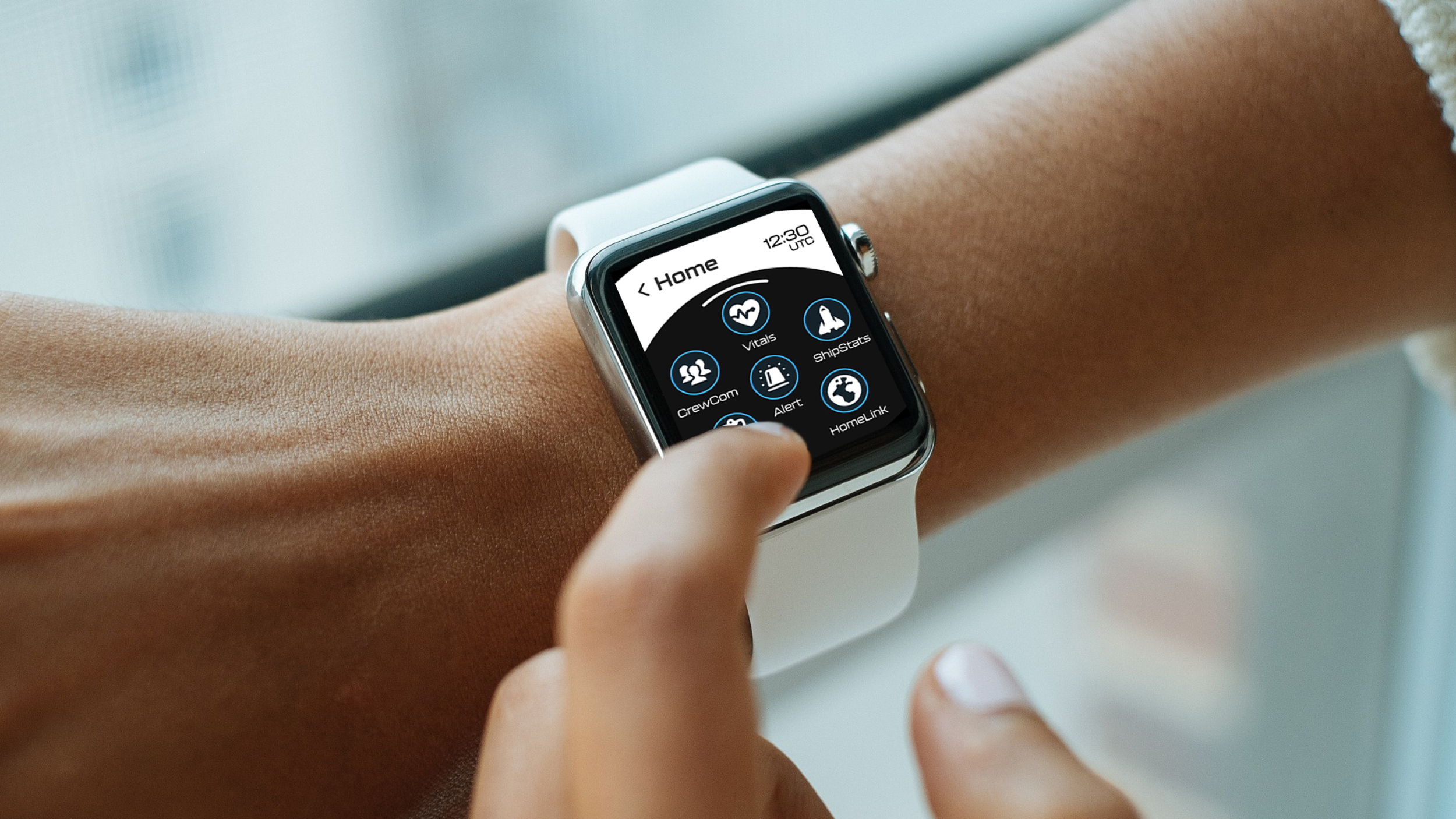
In the high-fidelity design, I focused on creating a seamless navigation experience. Color was used to highlight clickable elements, a clean, futuristic sans-serif typeface improved legibility, intuitive icons supported quick recognition, and a minimalistic layout lets users know where they are at all times.
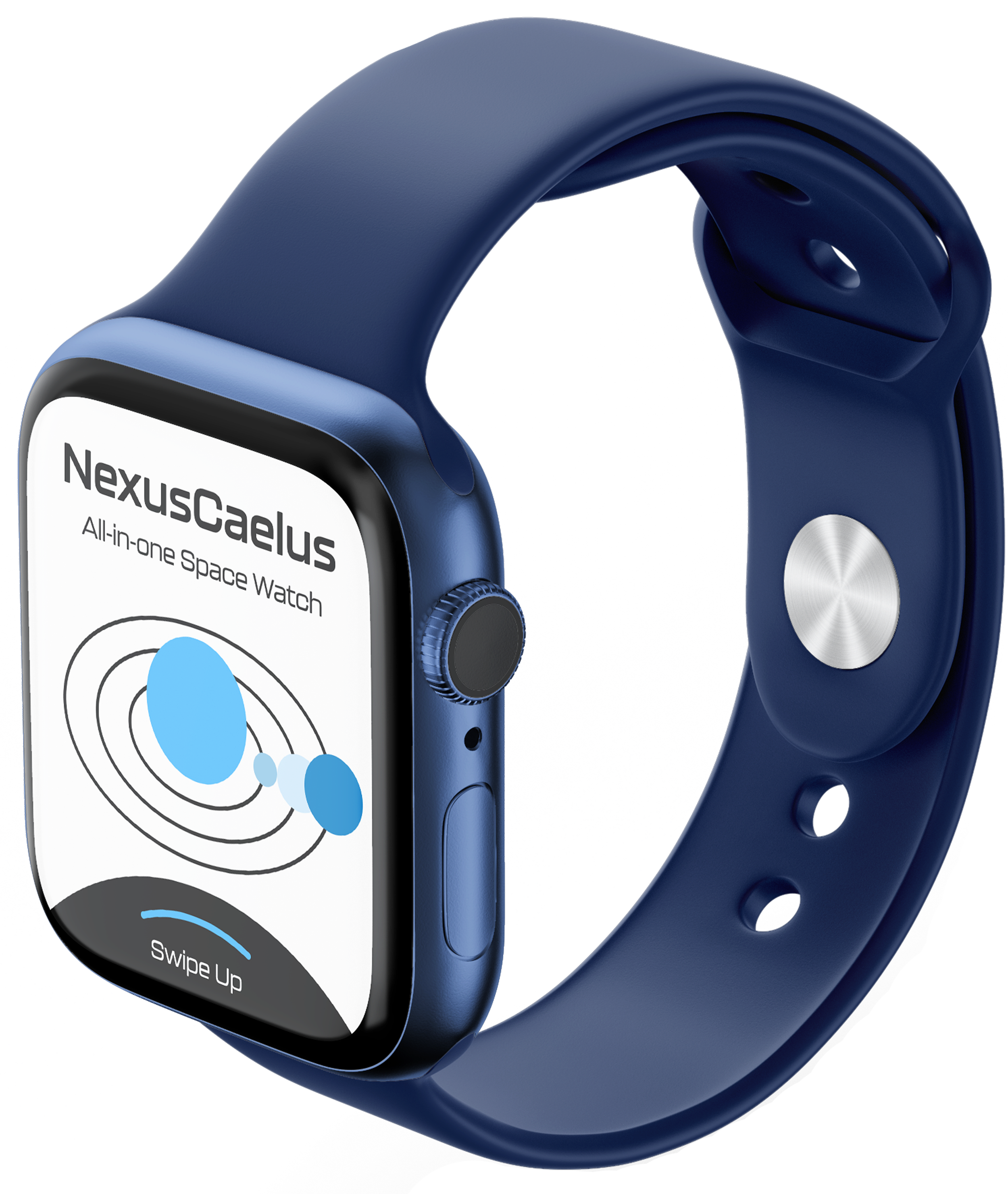
Celestial Blue is used for emphasis and call-to-action buttons. It creates a strong visual hierarchy and draws users to interactive elements.
Typography supports brand tone by being approachable, futuristic, and functional, while keeping core features easy to read on a small screen.
BUTTONS
Prototyping and Testing
While unable to do user research among real astronauts, I decided to test out the interface with 5 participants who had an Apple Watch. I asked them to complete tasks and share feedback on their overall experience, pain points, and any areas of confusion. This process helped identify what worked well and where improvements were needed.
ELEMENTS
Check Out My Prototype
Click expand to start!!
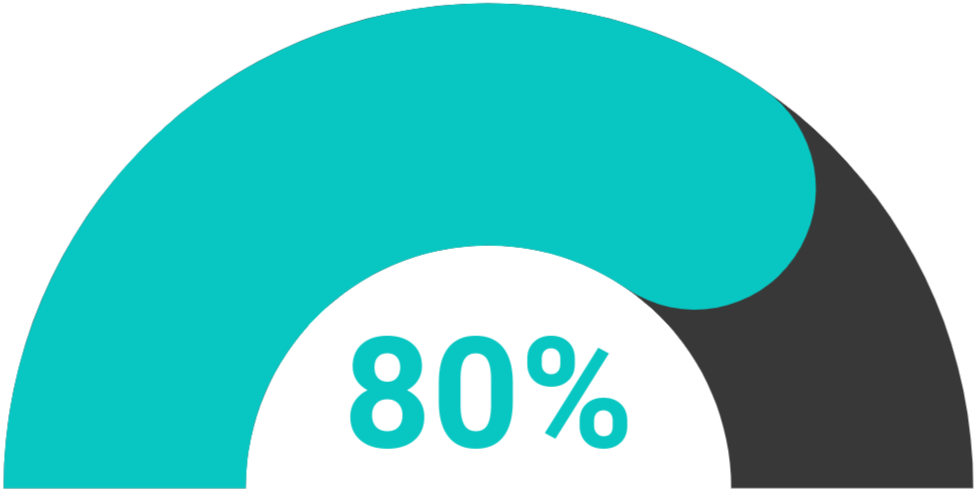
80% suggested having bigger buttons for less friction.
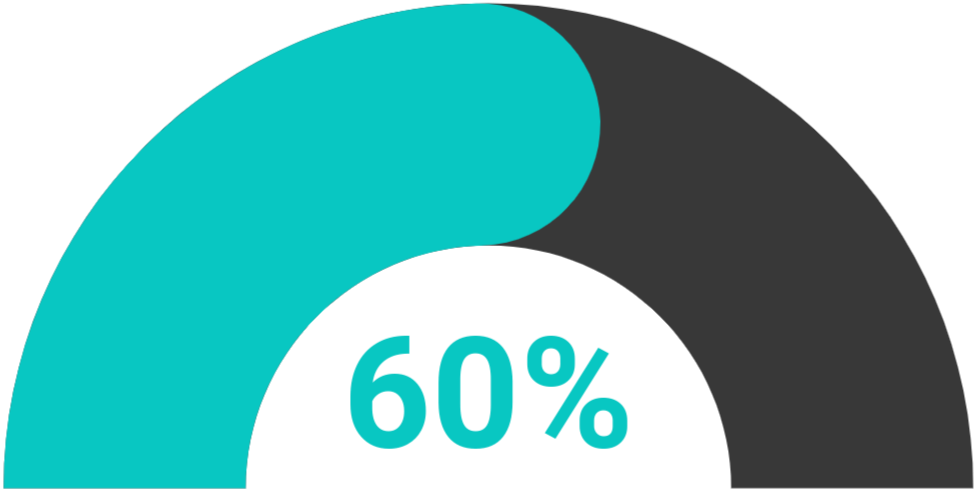
60% were confused by what was a clickable element.
RESULTS
Increase clickable element sizes
Create a consistent button layout
Remove unnecessary elements to avoid confusion
Conclusion and Key Takeaways
In conclusion, my research emphasizes the need for a unified, intuitive system that simplifies astronauts’ interaction with mission data, guiding the design of Nexus Caelus as a tool for focus, safety, and efficiency in space.
Larger buttons lead to less friction
Limiting screens means no user overload
Keep consistent and understandable elements